
See Git In Action
Experience our interactive Git simulator that makes version control concepts crystal clear. Watch as Git commands execute in real-time with beautiful visualizations of your repository, working directory, and staging area.
Experience our interactive Git simulator that makes version control concepts crystal clear. Watch as Git commands execute in real-time with beautiful visualizations of your repository, working directory, and staging area.
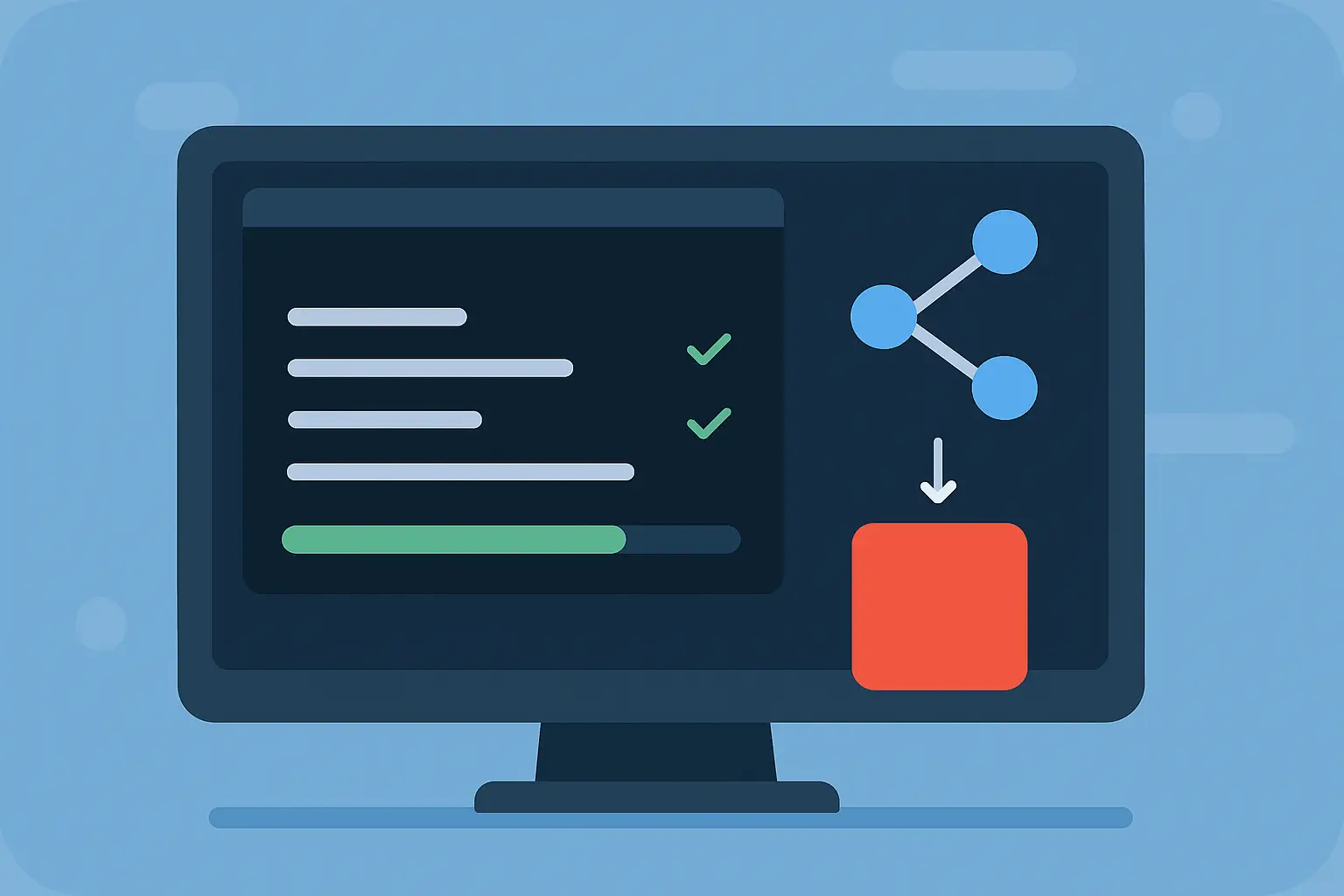
Practice Git commands in real time with our interactive simulator. Get instant visual feedback and step-by-step guidance as you learn. Complete hands-on exercises that transform Git concepts into real skills.
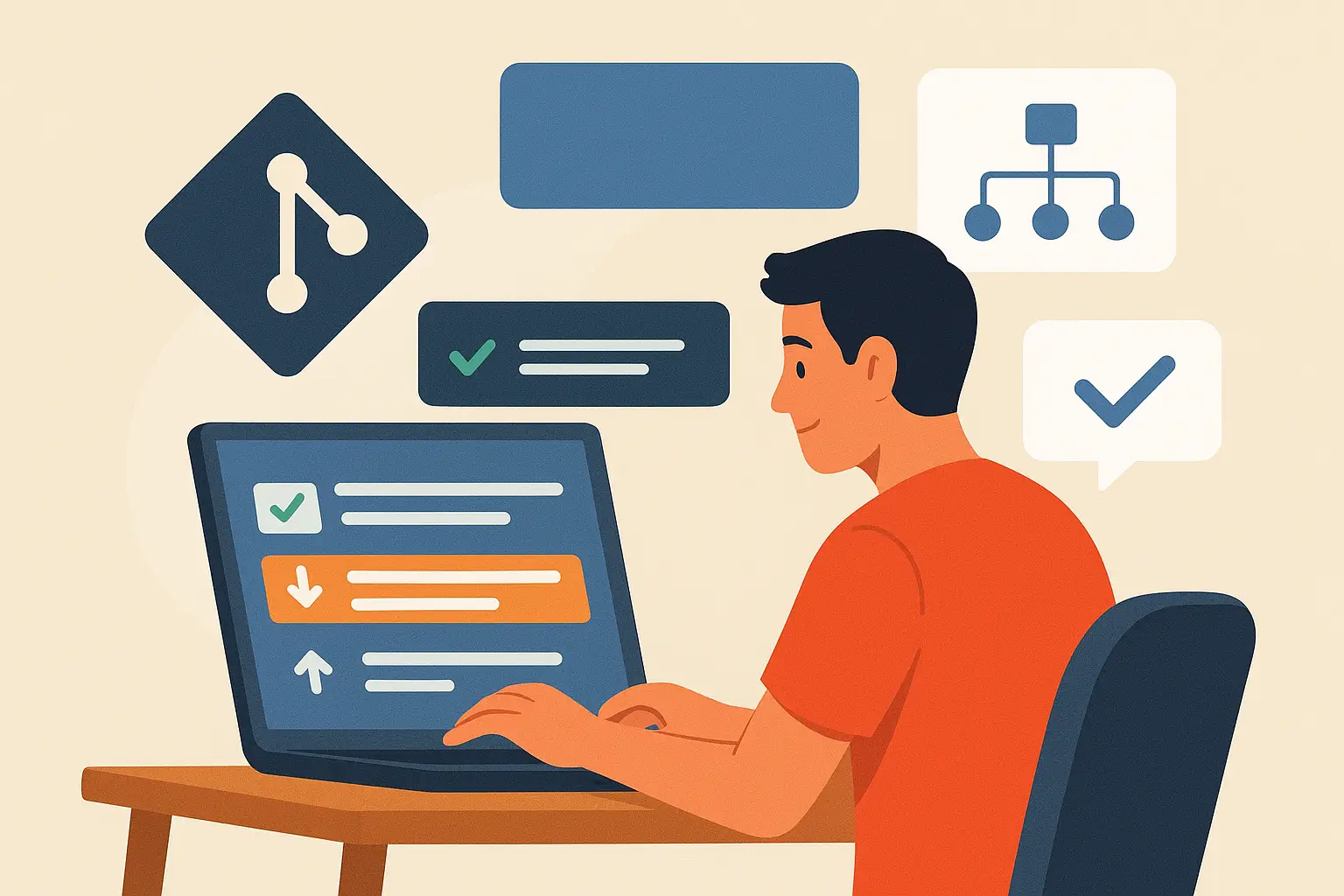
A complete Git fundamentals curriculum with bite-sized, hands-on lessons and exercises that take you from "what is version control?" to confidently branching and merging.
Understand why version control exists, the problems it solves, and how Git tracks every version of your project safely.
Master the working directory, staging area (index), and repository, the mental model that makes everything in Git click.
Learn git init, git add, git commit and
git status by actually running them in the simulator.
See exactly how Git compares file versions and read diffs with confidence
using git diff.
Create, switch, and manage branches to experiment freely without ever breaking your main code line.
Content merges, file list merges, three-way merges, and fast-forward merges, explained visually, step by step.
Stop fearing conflict markers. Learn to understand and resolve Git merge conflicts calmly and correctly.
Reinforce every concept with interactive exercises, then finish with a clear roadmap for the next stage of your Git journey.
Here's what software engineers say about learning Git with inter-git.
"I've onboarded plenty of juniors who could type Git commands without understanding them. This is the first Git tutorial I've seen that actually builds the mental model, the visual simulator is brilliant."
"Merge conflicts used to terrify me. After the merging lessons here, three-way, fast-forward, conflicts, it all finally makes sense. I wish I had this when I started programming."
"Learning by doing beats watching videos every time. The exercises give instant feedback, so you know immediately whether you really understood a concept. Best Git tutorial for beginners, period."
"The working directory / staging area / repository visualization is the clearest explanation of Git internals I've come across. I now recommend inter-git to every new engineer on my team."
"Zero setup was the killer feature for me, I went from knowing nothing about version control to branching and merging comfortably, entirely in the browser, in a single weekend."
Start the interactive Git tutorial now, the first lessons are free.